

Connect Invoice4U
Connect Invoice4U once to read invoices, receipts, credit notes and customers next to your bank data, and let Financy, ChatGPT and Claude prepare documents you approve.
Connect Invoice4U
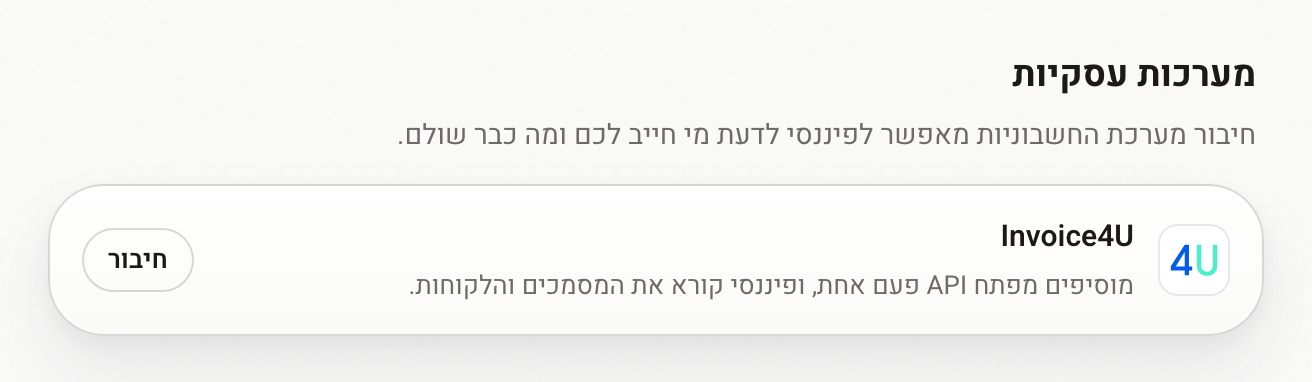
Invoice4U is one of the business systems you can connect to Financy, next to Morning and SUMIT. Once connected, Financy reads your invoicing documents and customers, puts them next to the banks and cards you already linked, and can prepare new documents for you to approve.
Available on Starter, Pro and Ultra. Free accounts see Invoice4U in the list with an upgrade prompt.
What Financy reads
| Invoices | Open, overdue, partly paid and paid tax invoices |
| Other documents | Receipts, invoice-receipts, credit notes |
| Customers | Name and contact details of each counterparty |
| Receivables | Who owes you, how much, and since when |
Data refreshes from Invoice4U on a schedule (about every hour), plus a full rescan weekly. Because Financy also sees your bank transactions, it can tell you which open invoices look paid — a matching transfer already arrived.
Connect
- In Invoice4U, open Settings → Business Settings → API from the sidebar and copy the key, or generate one if you don't have one yet.
- In Financy go to Connections → Business systems.
- Next to Invoice4U click Connect and paste the key on the secure page.
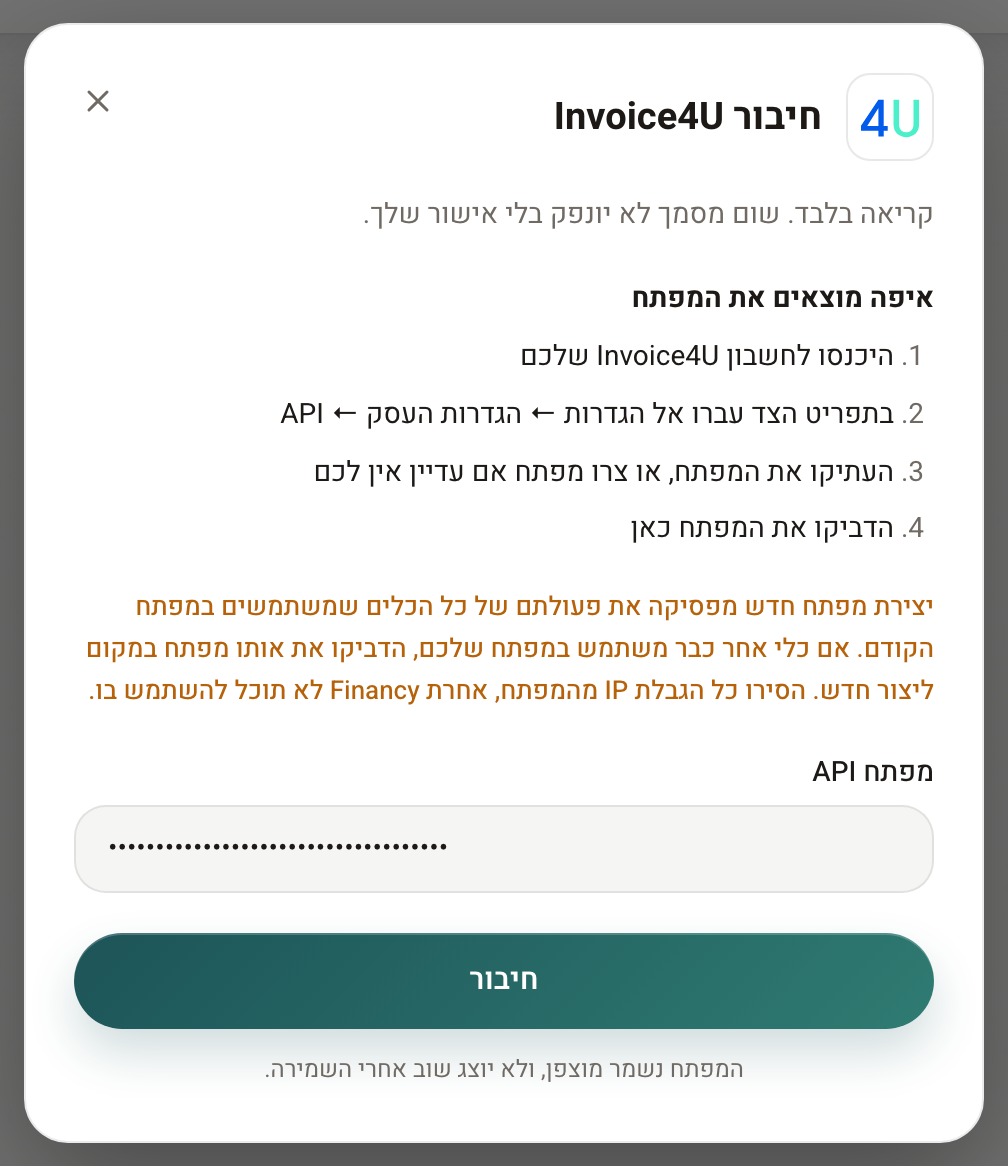
Generating a new key stops every tool that uses the old one. If another tool already uses your key, paste that key instead of generating a new one.⚠️ Remove any IP restriction on the key, otherwise Financy cannot use it.
Financy verifies the key, stores it in an encrypted vault and runs the first sync. The key never passes through a chat.
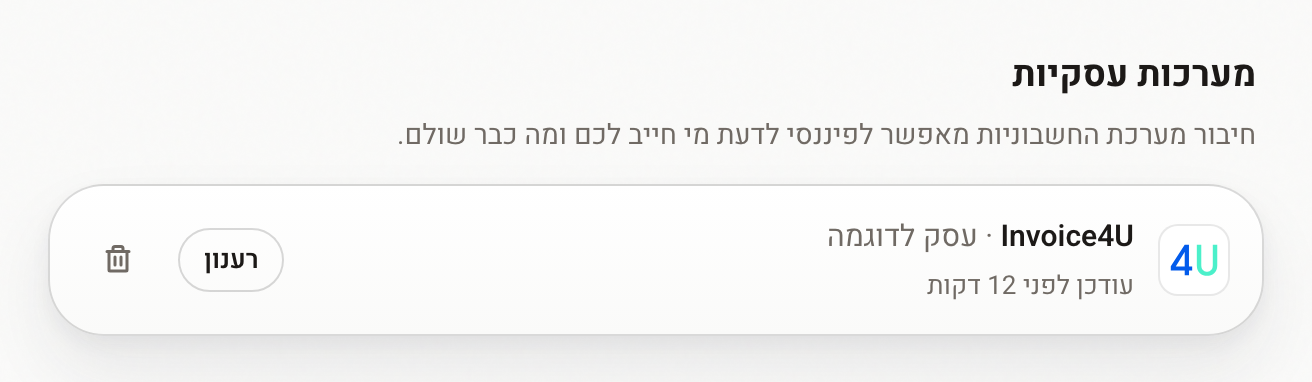
To use a new key (for example after rotating it in Invoice4U), click Connect again and paste it — Financy re-authenticates the same integration and keeps the data already read.
Drafts and approval
Financy can prepare documents in Invoice4U:
- Receipt
- Tax invoice
- Invoice-receipt
- Credit note
- New customer
A prepared document is a draft. It is issued in Invoice4U only after you open it in Financy and click Approve and issue (אישור והנפקה). This is true whether the draft came from the Financy agent, an automation, ChatGPT or Claude.
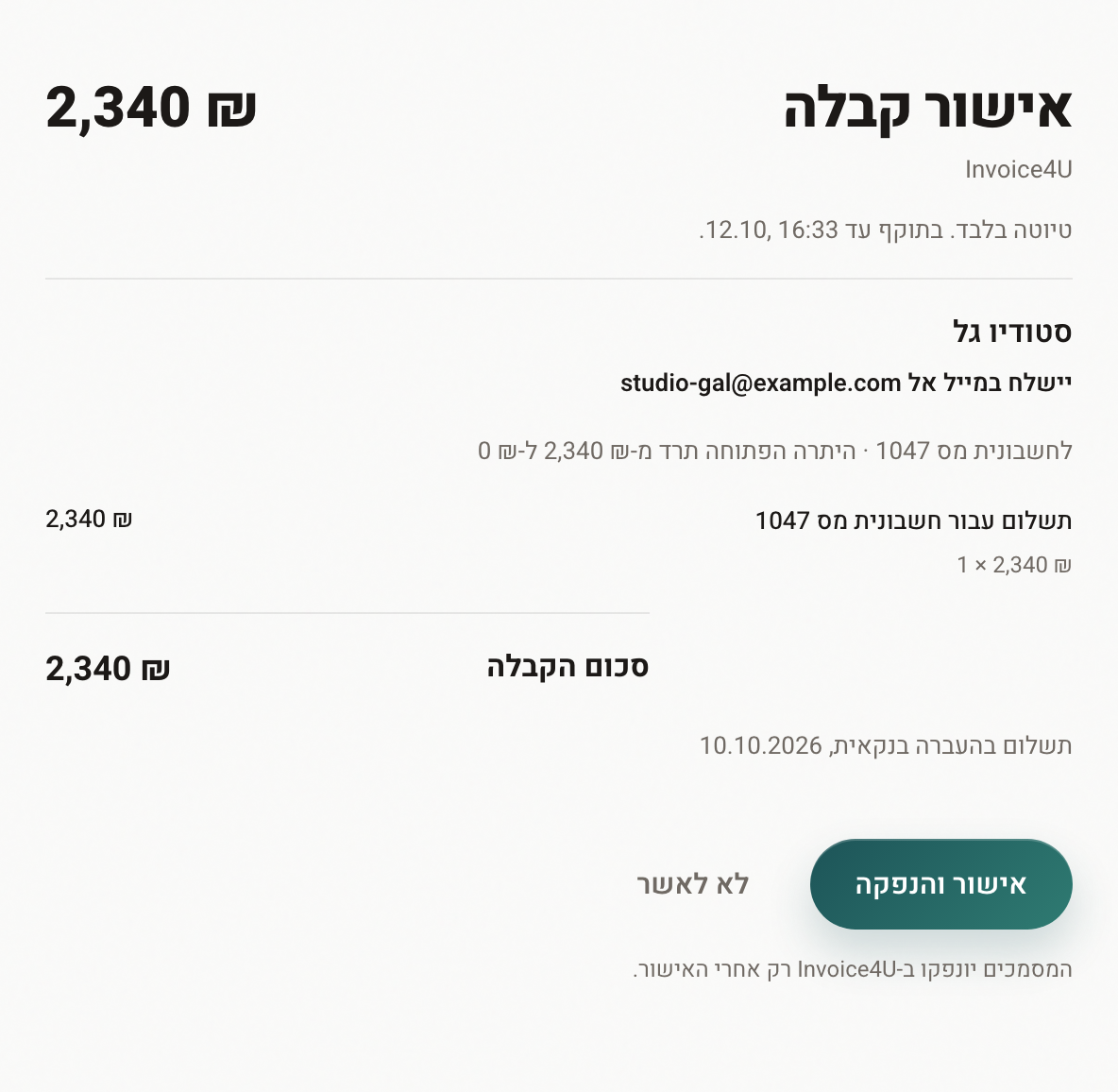
Automations can prepare a recurring tax invoice (for example on the 1st of every month) for your approval. They never issue documents and never prepare receipts — a receipt states that a payment happened, which an unattended run cannot know.
Access from external AI apps
For each connected business system, Settings → Access from external AI apps controls what ChatGPT, Claude and other MCP clients can do with it:
| Setting | What AI apps can do |
|---|---|
| Off | Nothing — no access to Invoice4U data |
| Read only (default on connect) | Read documents, customers and open balances, and prepare drafts. Every draft is issued only after you approve it in Financy |
| Full access | Also issue documents in Invoice4U themselves, without approval in Financy. Enabled only in Settings, after an explicit confirmation |
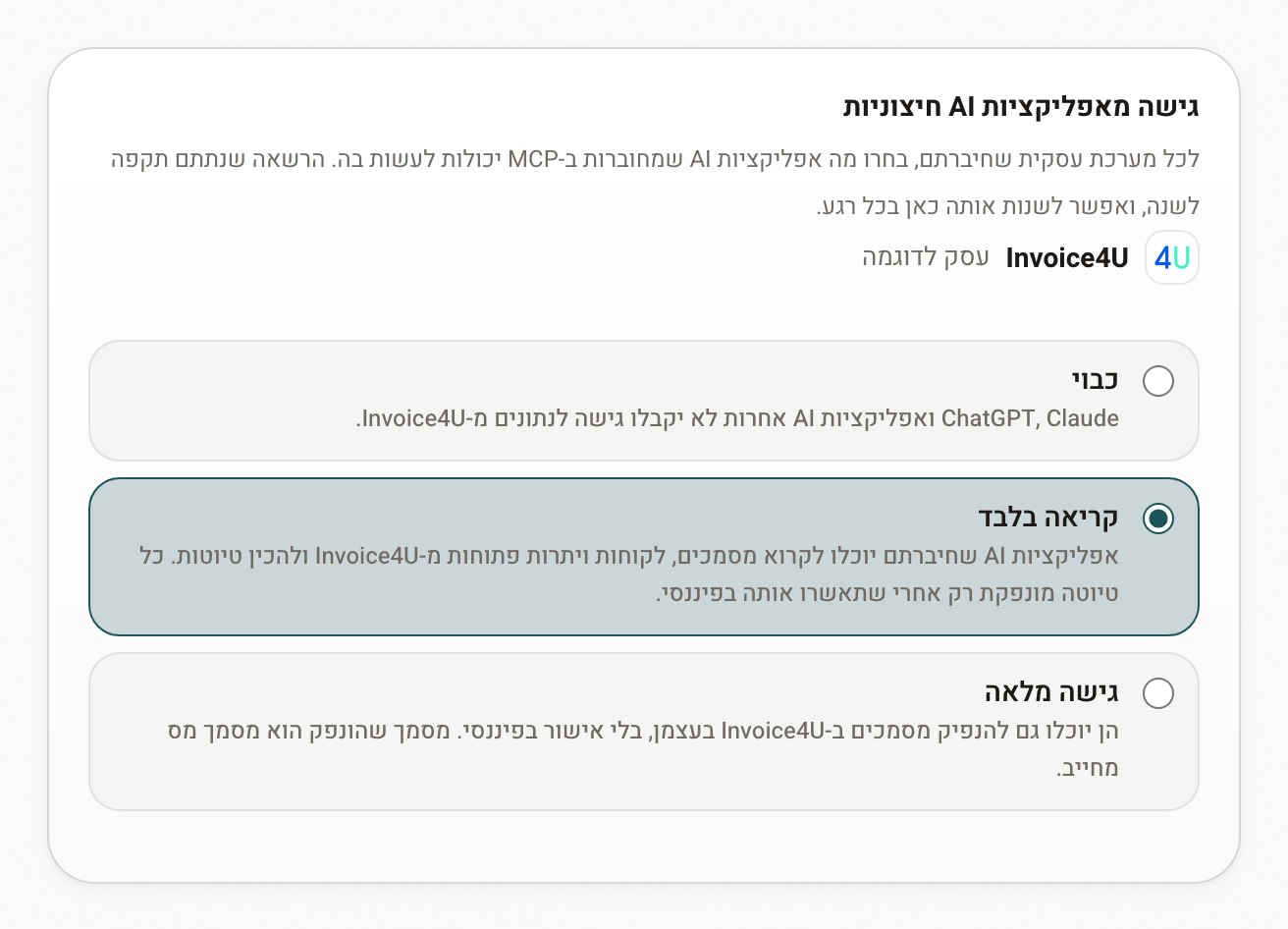
- A setting is valid for one year. Settings shows a reminder in the last 30 days, and an expired setting counts as Off until you click Renew.
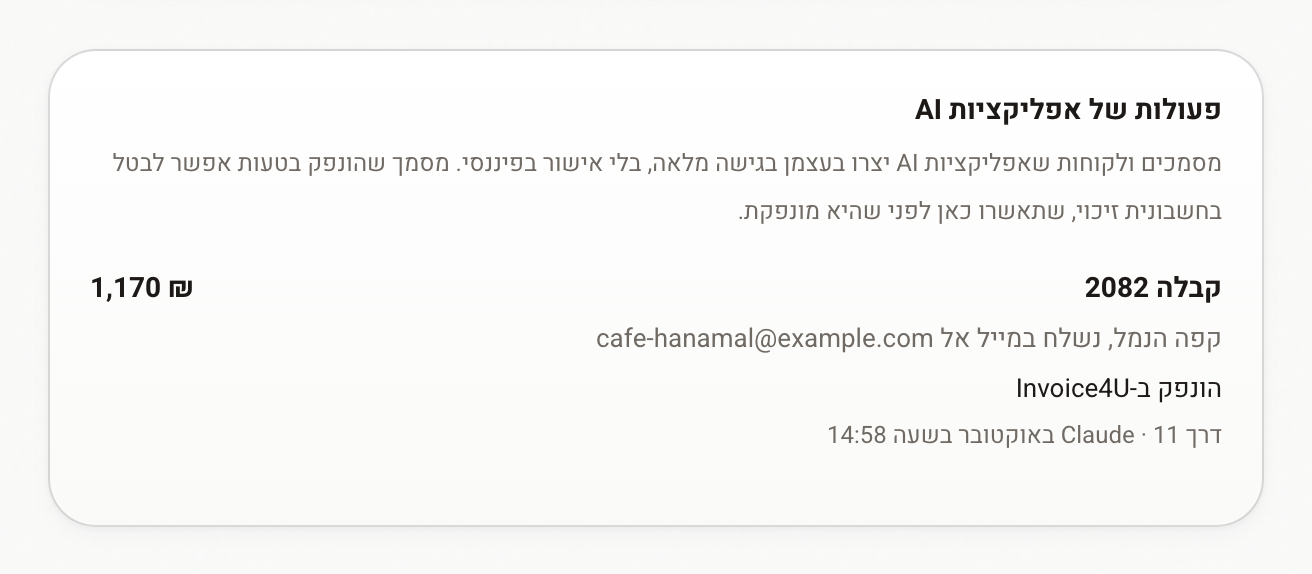
- Under Full access, every document an AI app issues is emailed to you and listed in Settings → AI activity, where a tax invoice can still be credited.
- A document issued by mistake can only be cancelled with a credit note — it is a legally binding tax document.
Disconnect
On the Invoice4U row click Disconnect. The key is deleted immediately and Financy stops reading Invoice4U. The data disappears from Financy right away, and the copy kept on our side is deleted within seven days. Nothing changes in Invoice4U itself; reconnecting starts from scratch.
Must-know
| Plan | Starter, Pro or Ultra |
| Approval | Drafts are issued only after you approve in Financy, unless you turned on Full access for AI apps |
| "Looks paid" | A matching bank transfer, not a status change in Invoice4U |
| Freshness | About hourly, not real time |
| Customers | Financy never messages your customers |
Troubleshooting
"Invalid key" — The key was mistyped, revoked, has an IP restriction, or belongs to a different Invoice4U account. Copy the current key from Settings → Business Settings → API (remove any IP restriction) and connect again.
"Not included in your plan" — Upgrade to Starter or above.
AI app says it has no access to Invoice4U — Check Settings → Access from external AI apps: it may be Off, or the yearly confirmation may have expired. Click Renew.
A draft didn't issue — Drafts wait for your approval. Open the approval link from the chat and click Approve and issue.
Updated 2 days ago